No guessing
Feedback is pinned to the exact spot, so nobody has to decode "the thing near the top".
Upload a design or PDF, or capture a website page from its URL. Collect feedback where it belongs, review the changes, and finish with a clear decision.
Step one
Create a project, then choose the starting point that fits your review. Upload a design, screenshot, or PDF, or enter a website URL to capture a page. Keep related work and its feedback together in the project.
Bring in a design, screenshot, or PDF for visual feedback.
Enter a URL to save a page for pinned comments and review.
A captured page is a fixed snapshot. Check the result before sharing it, and test menus and forms on the actual website.
See how to collect client website feedback
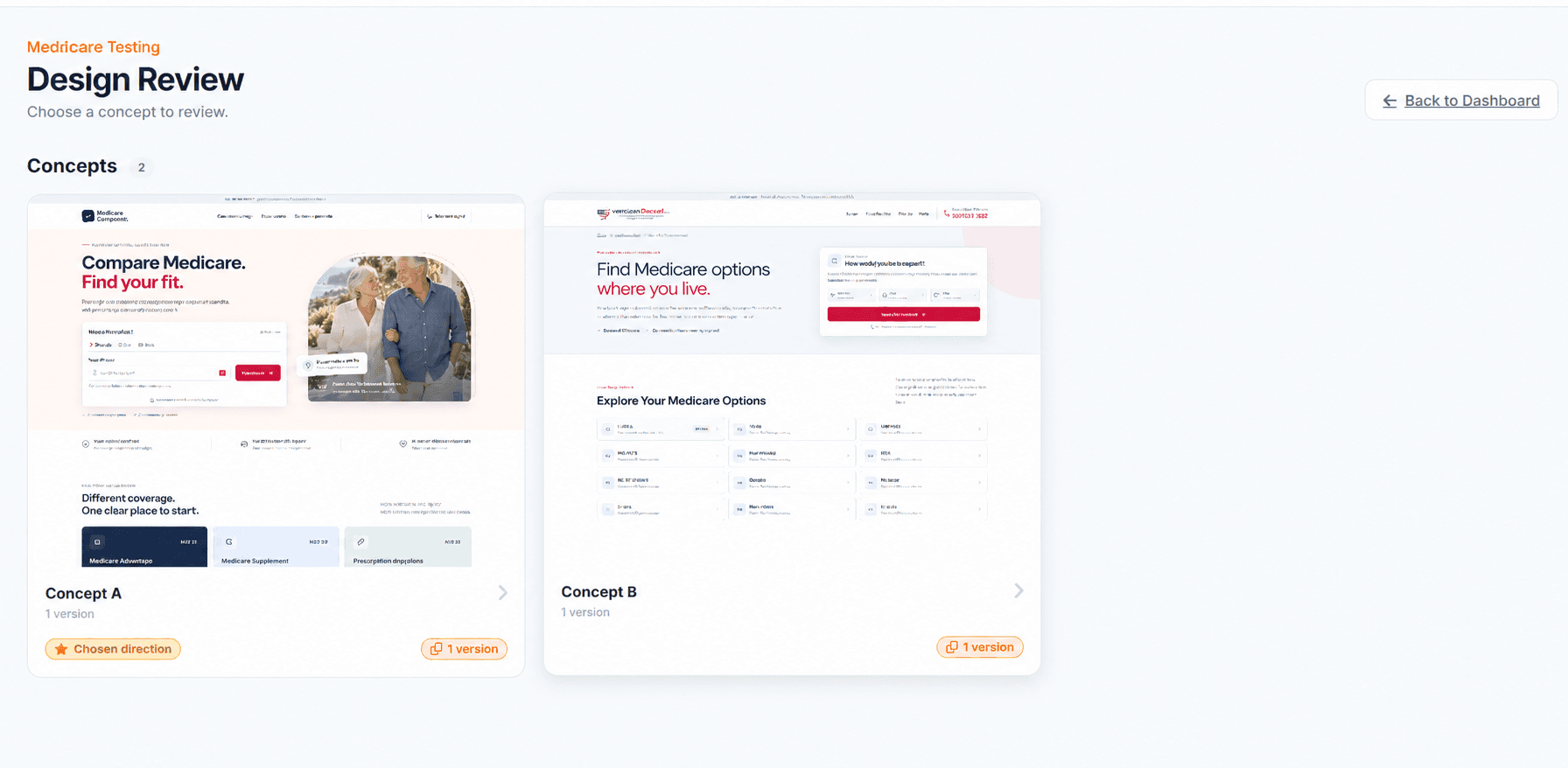
Illustrative design review interface; website captures use the same visual feedback workflow.
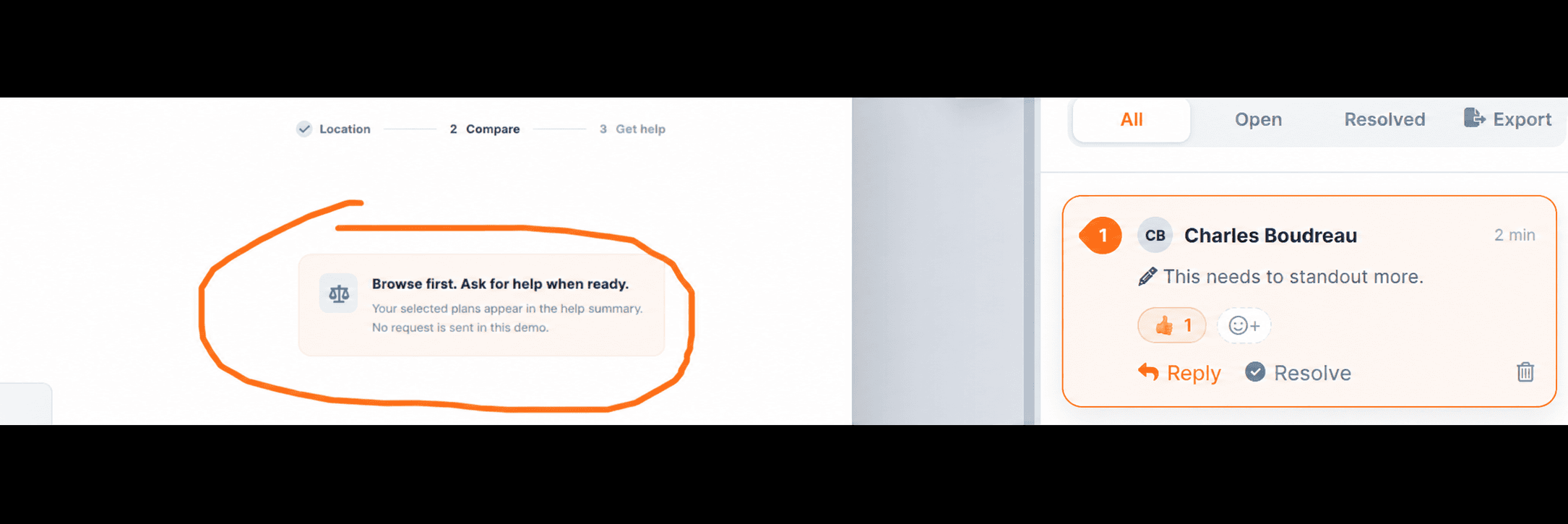
Illustrative review interface
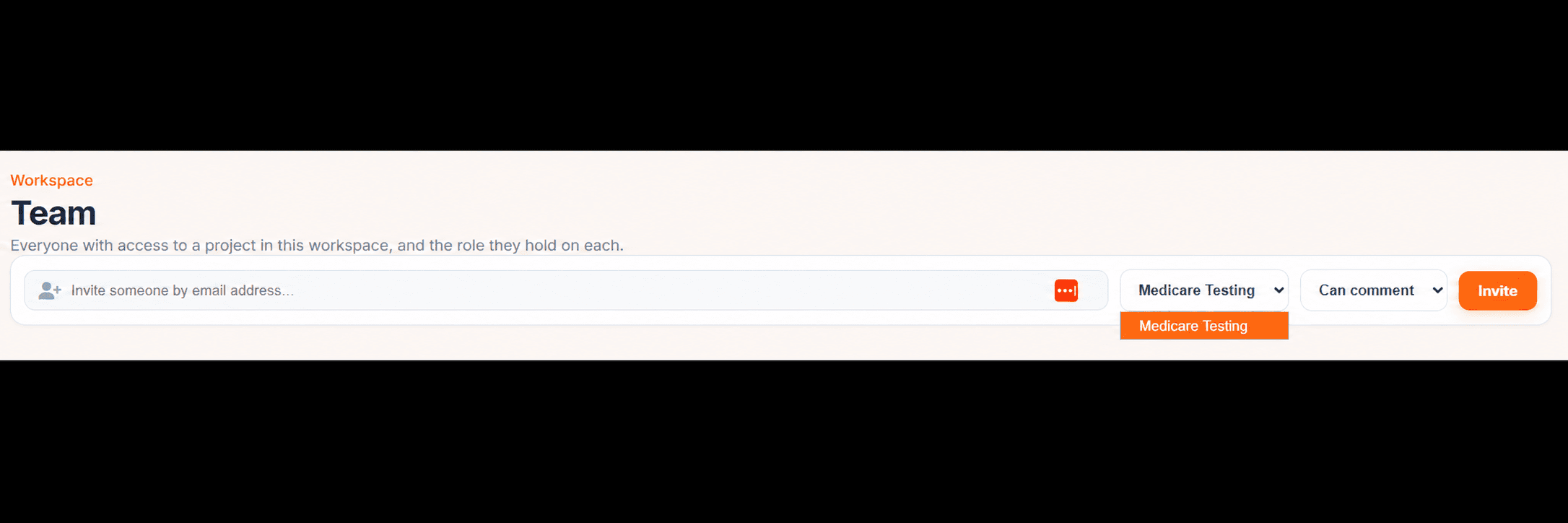
Illustrative review interface
Step two
Bring teammates into your workspace with Owner, Admin, or Member roles. Send clients a share link so they can review the work and leave feedback in context.
Mark it up
Pins, boxes, freehand, arrows, and text labels.
Talk it through
Discuss each annotation in a thread with @mentions.
Work through feedback
Jump to the next unresolved thread and resolve finished comments.
Stay in the loop
Follow project activity from your dashboard.
Step three
Upload a revised file or capture the updated website page again. Work through open threads with "next unresolved" and resolve individual requests. Then ask the decision maker to review the current work and set its status to In review, Changes requested, or Approved.
Summer Campaign
Summer collection
A fresh start
for your space.
Everyday pieces. Thoughtful design.
Shop the collectionAll comments resolved
ApproveIllustration
Feedback is pinned to the exact spot, so nobody has to decode "the thing near the top".
Comments, replies, files, and approvals live with the design instead of across inboxes.
Open vs. resolved tracking and an approval status make "done" unambiguous.
Upload a file or capture a website page, then invite your first reviewer.